
Catalog Templates
Choose your layout and let CatalogPDF handle the rest. All templates auto-format your images with consistent spacing and alignment.
Try Any Template Free
2-Column Grid
Classic two-column layout with product images and captions below. Great for apparel and accessories.
- 2 products per row
- Large product images
- Caption space below

3-Column Grid
Compact three-column layout for showing more products per page. Ideal for catalogs with many items.
- 3 products per row
- Space efficient
- Good for large catalogs

4-Column Grid
High-density layout for inventory sheets and reference catalogs. Maximum products per page.
- 4 products per row
- Thumbnail view
- Warehouse friendly
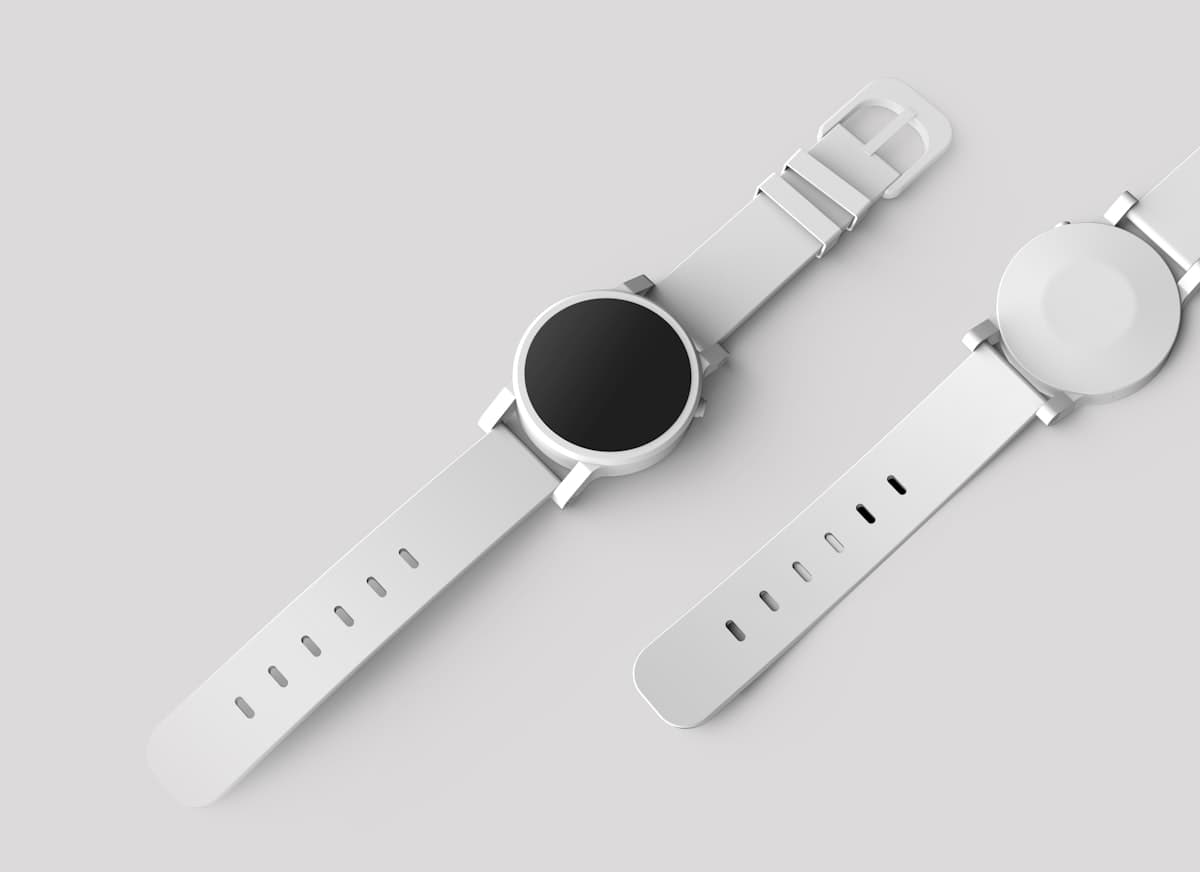
Single Product
Full-page layout for hero products or detailed showcases. Perfect for premium items.
- 1 product per page
- Maximum detail
- Premium presentation

Portrait A4
Standard A4 portrait orientation. The most common format for printable catalogs.
- A4 paper size
- Portrait orientation
- Print ready

Landscape Letter
US Letter size in landscape. Great for side-by-side product comparisons.
- Letter paper size
- Landscape orientation
- Wide format
No template fighting required
Unlike traditional design tools, CatalogPDF automatically arranges your images. Just pick your layout settings and upload your photos.
Choose layout
Select columns, spacing, and page size
Upload images
Drag and drop your product photos
Export PDF
Download your formatted catalog
Start with any template
All layouts are available for free. Create as many catalogs as you need.
Open the Free Tool